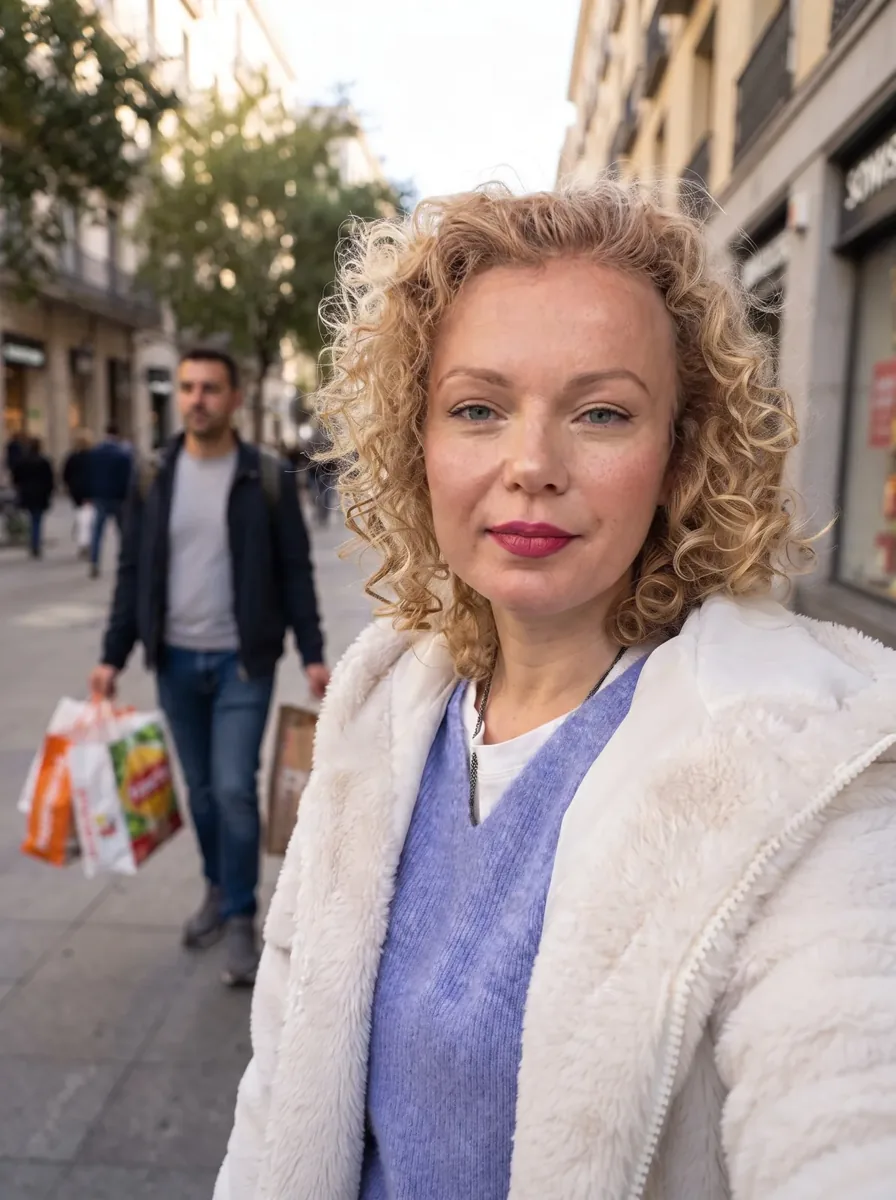
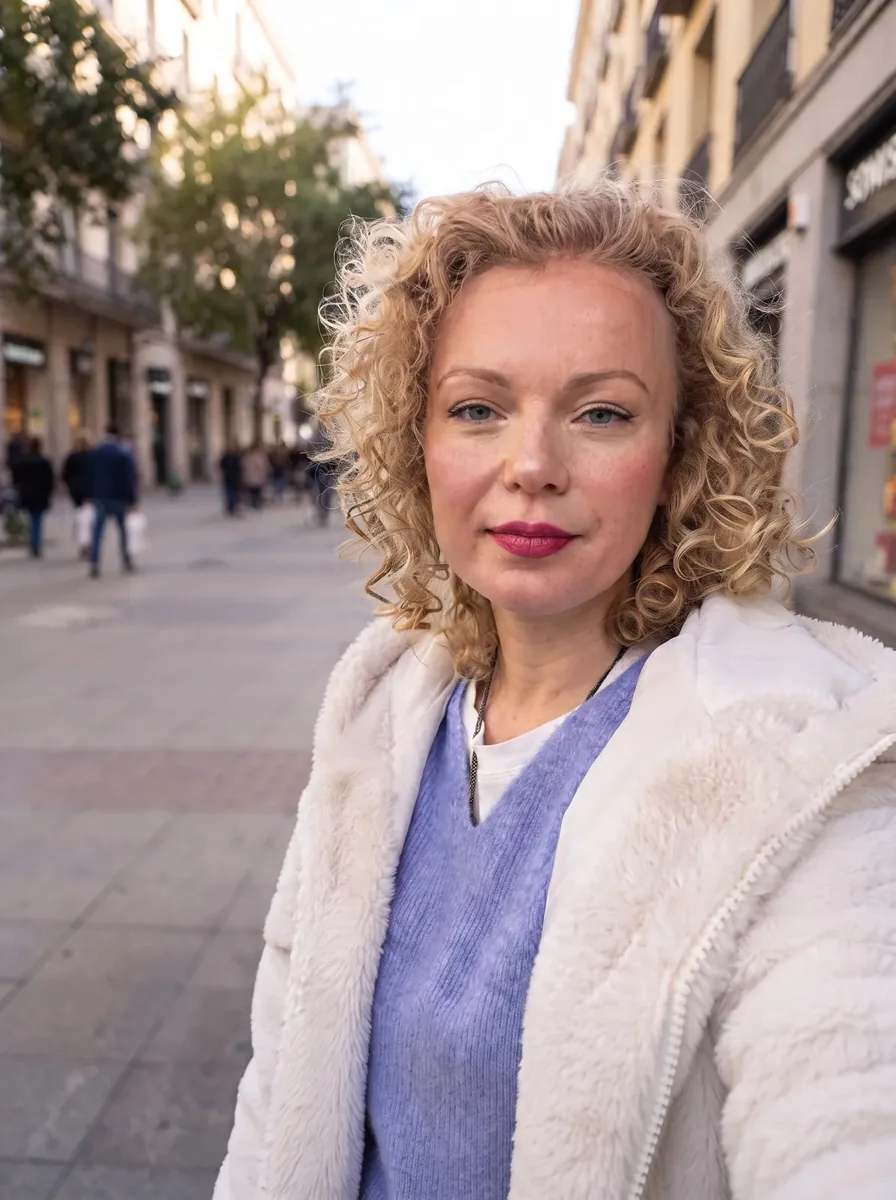
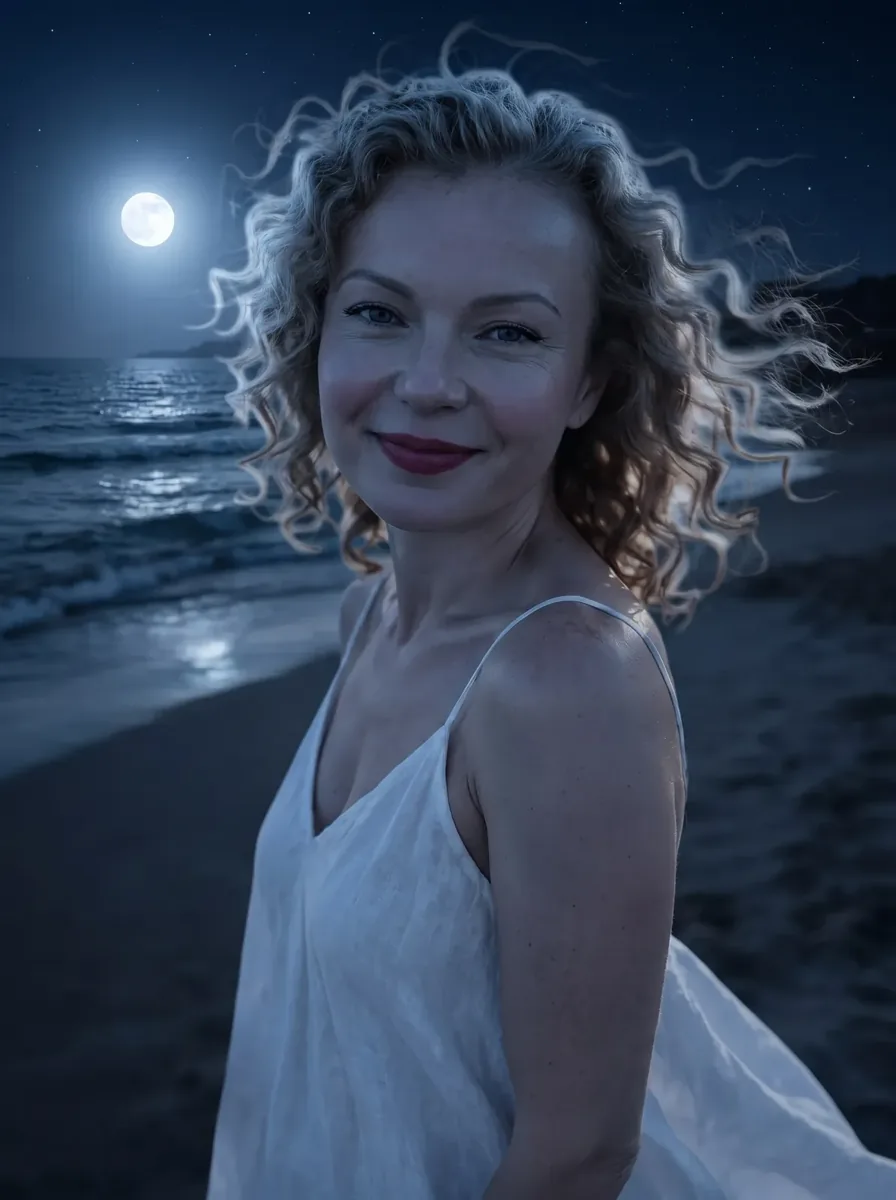
Editor in chat with neural networks

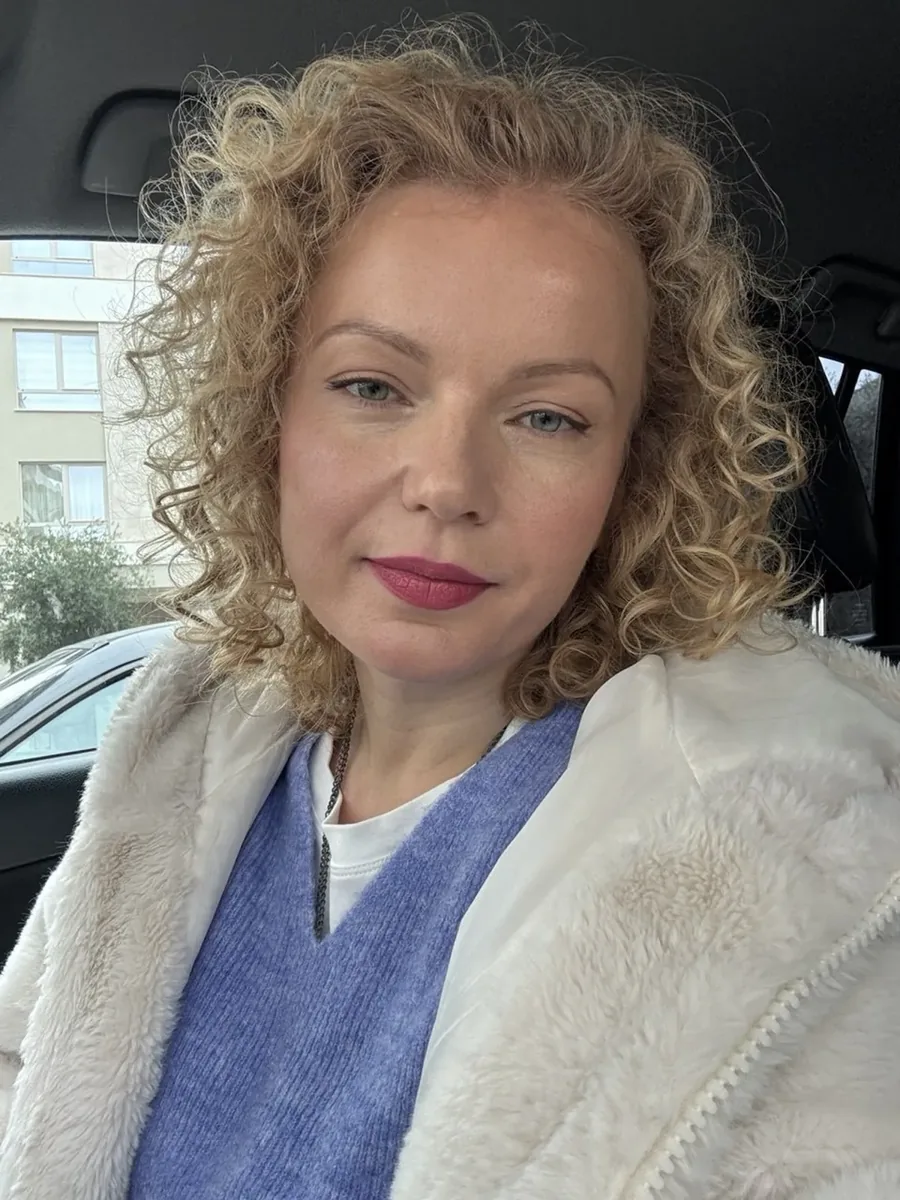
1Upload a photo
2What to change
Change photoThe price of the edit is visible before sending. The original photo is not overwritten.
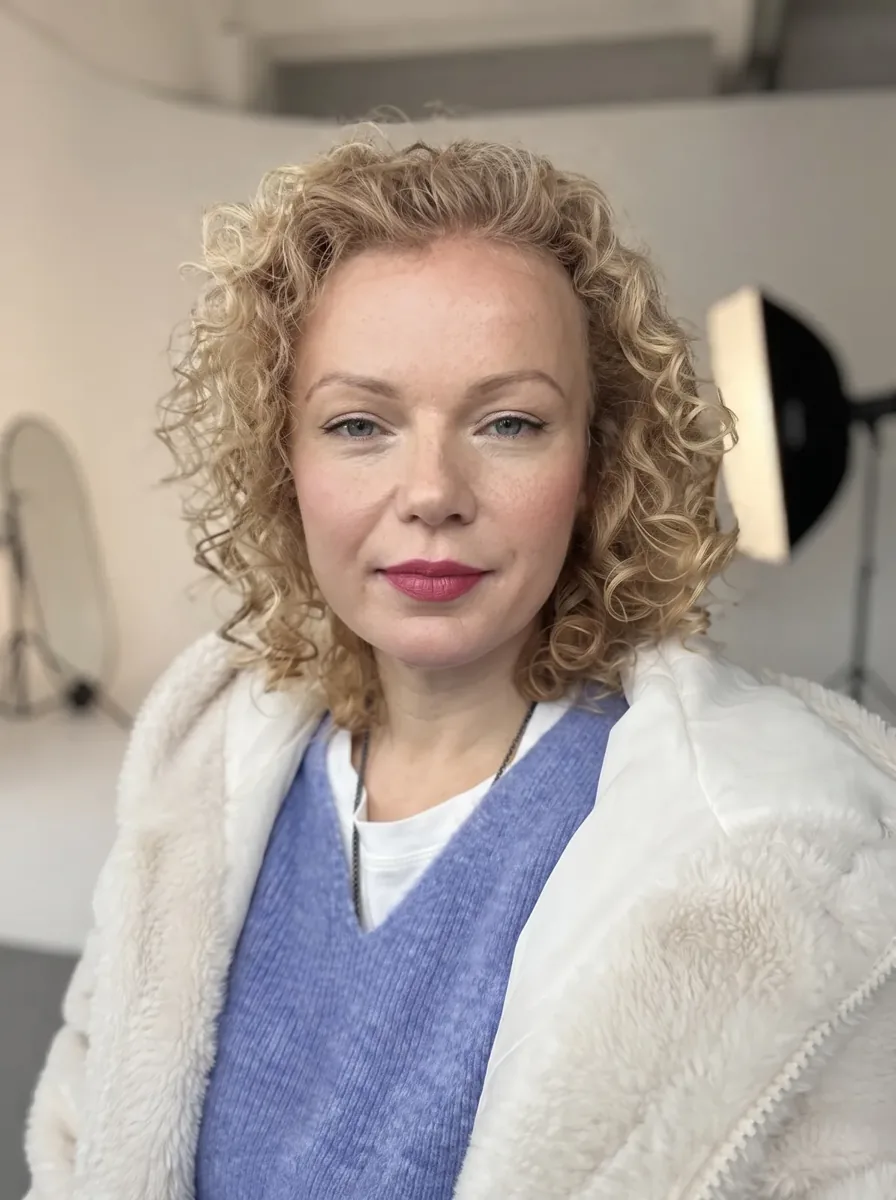
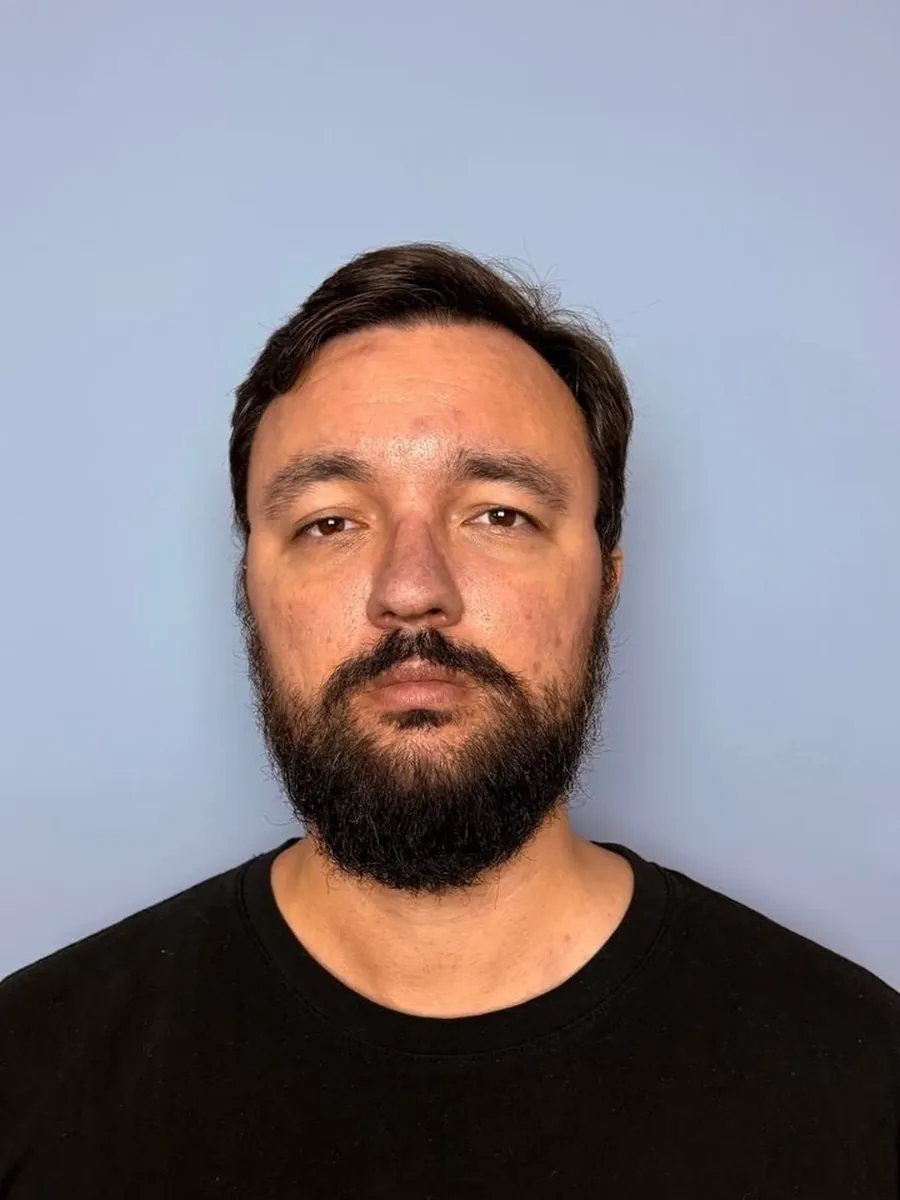
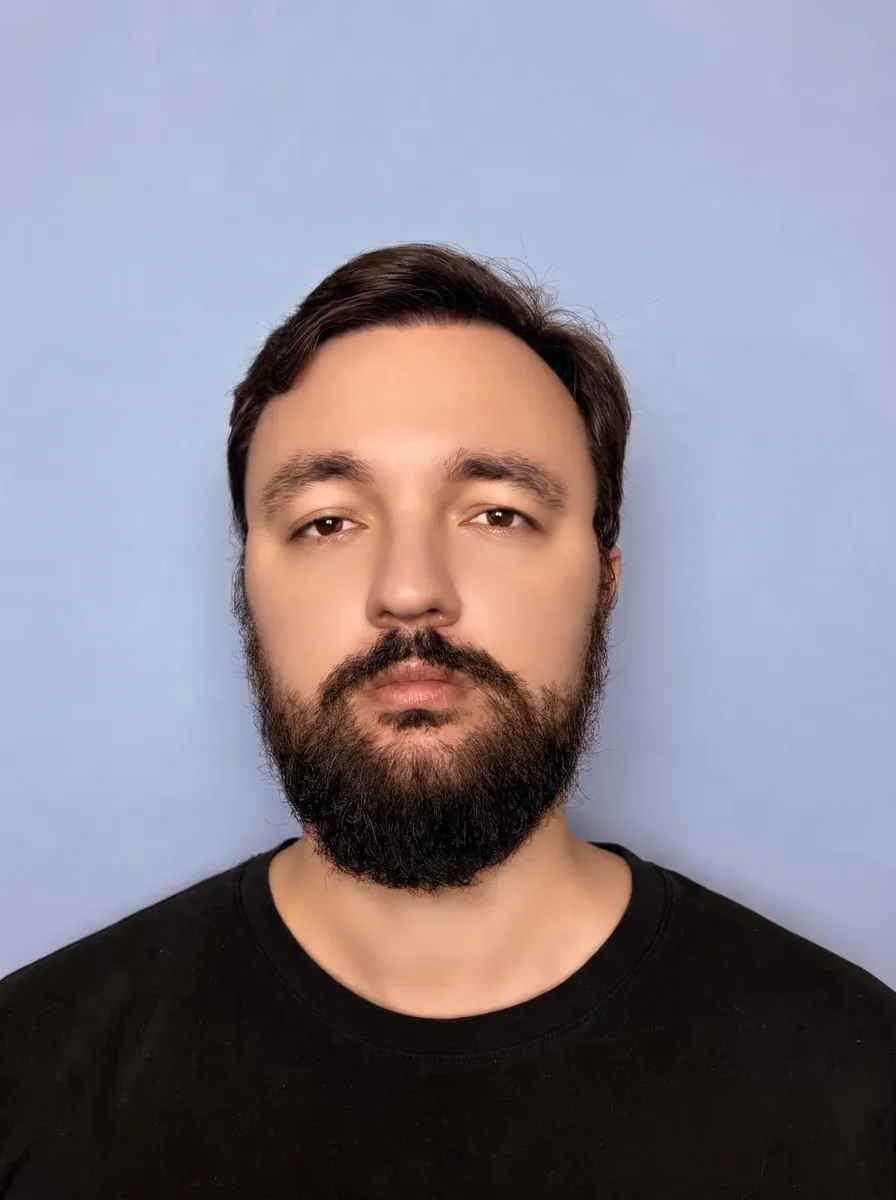
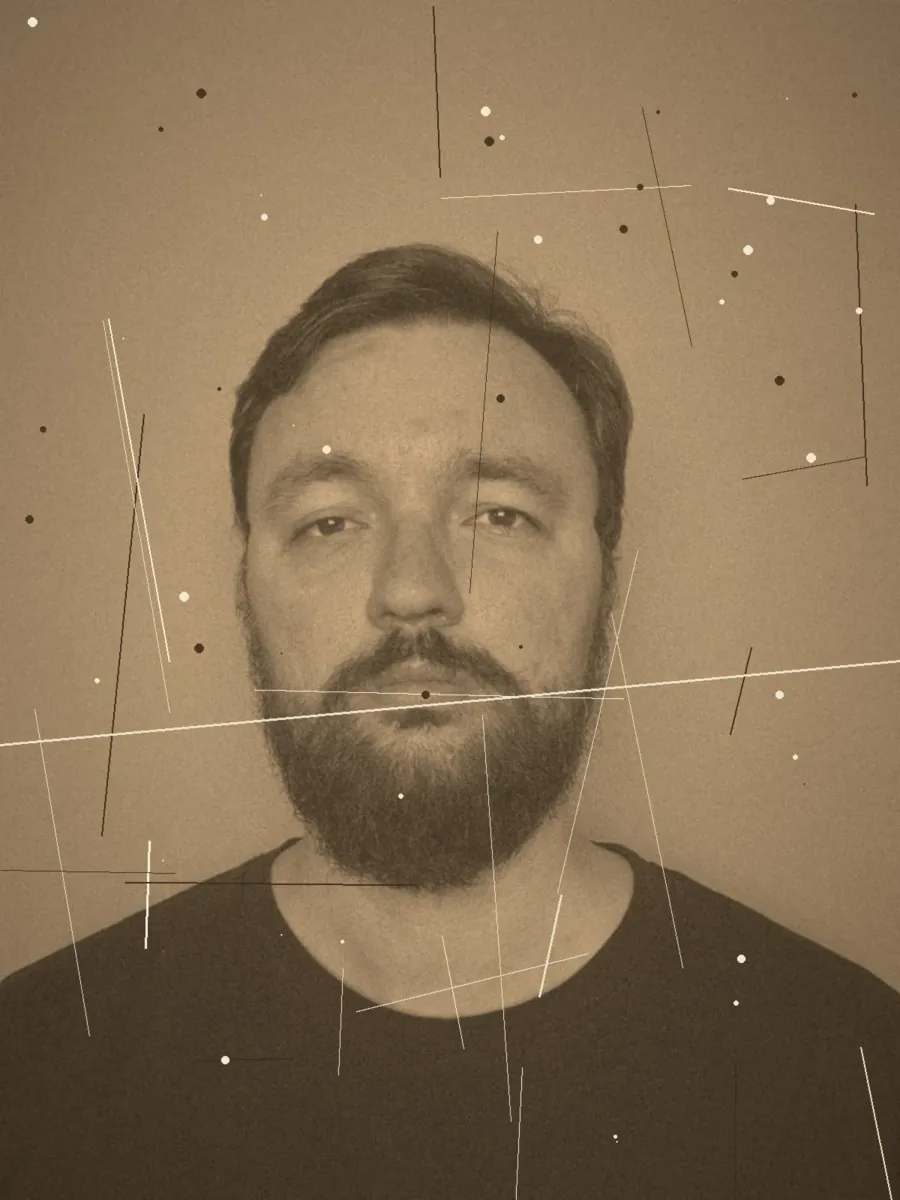
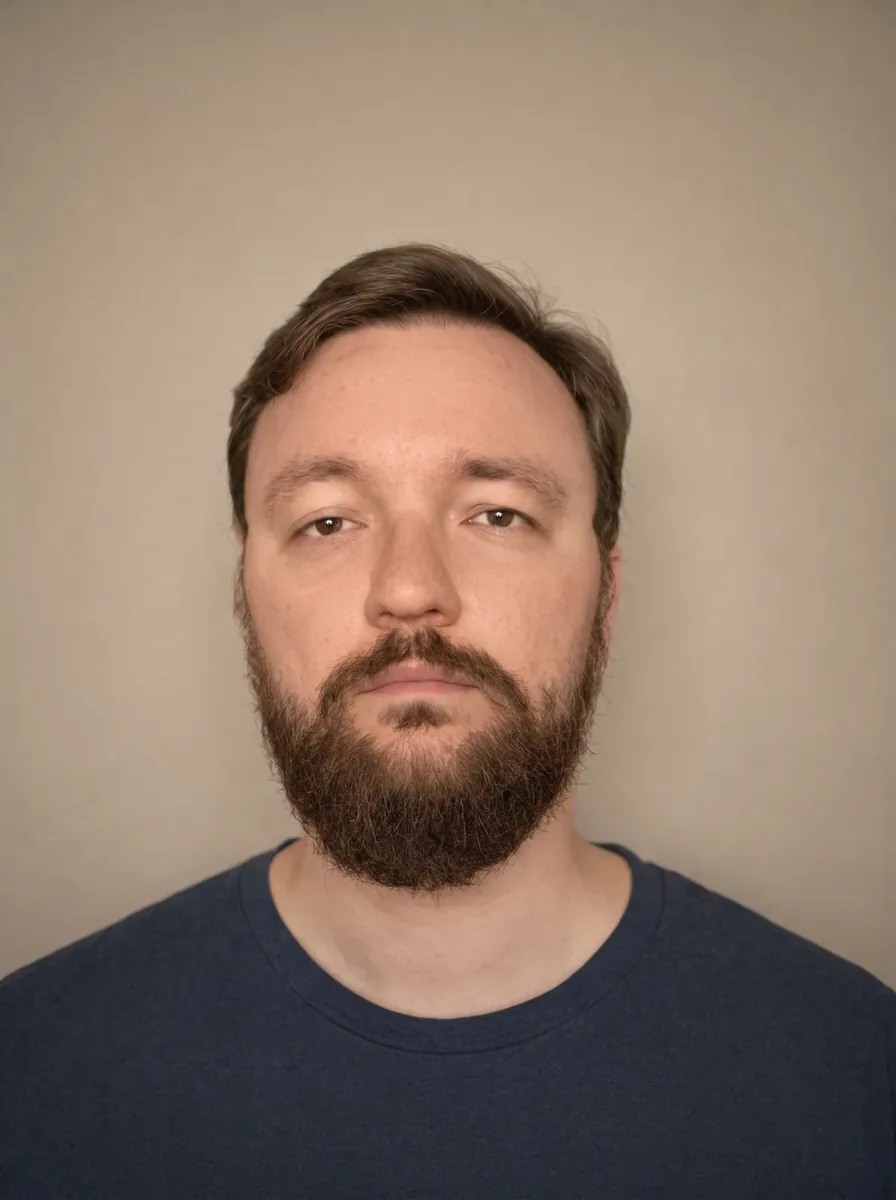
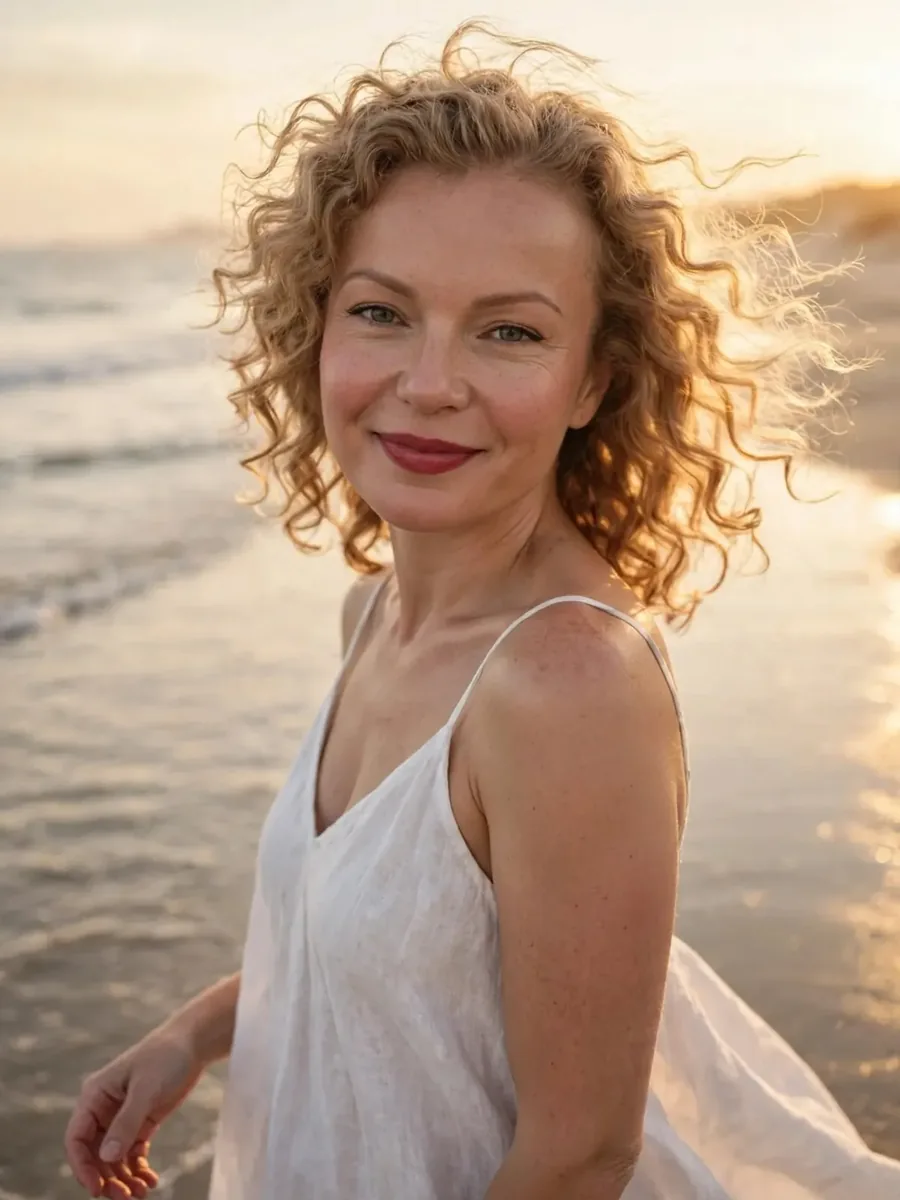
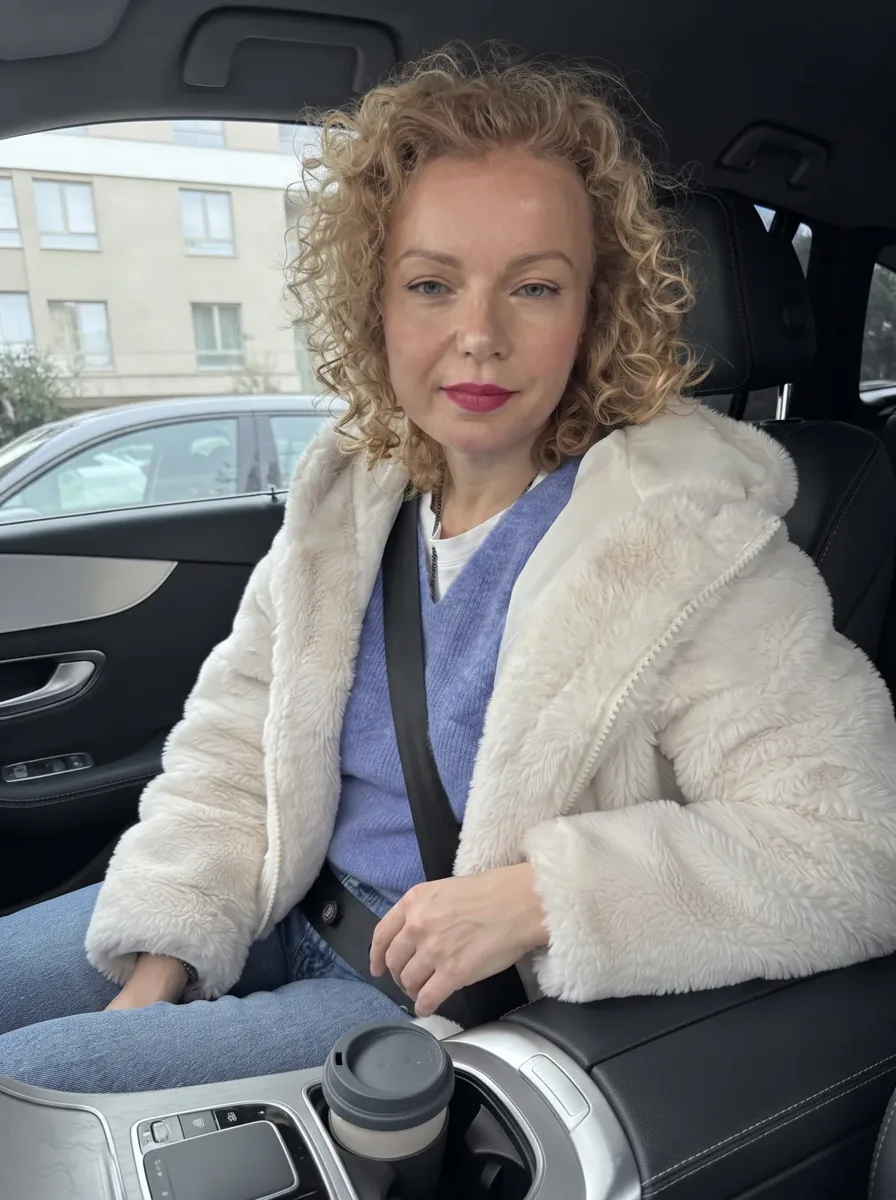
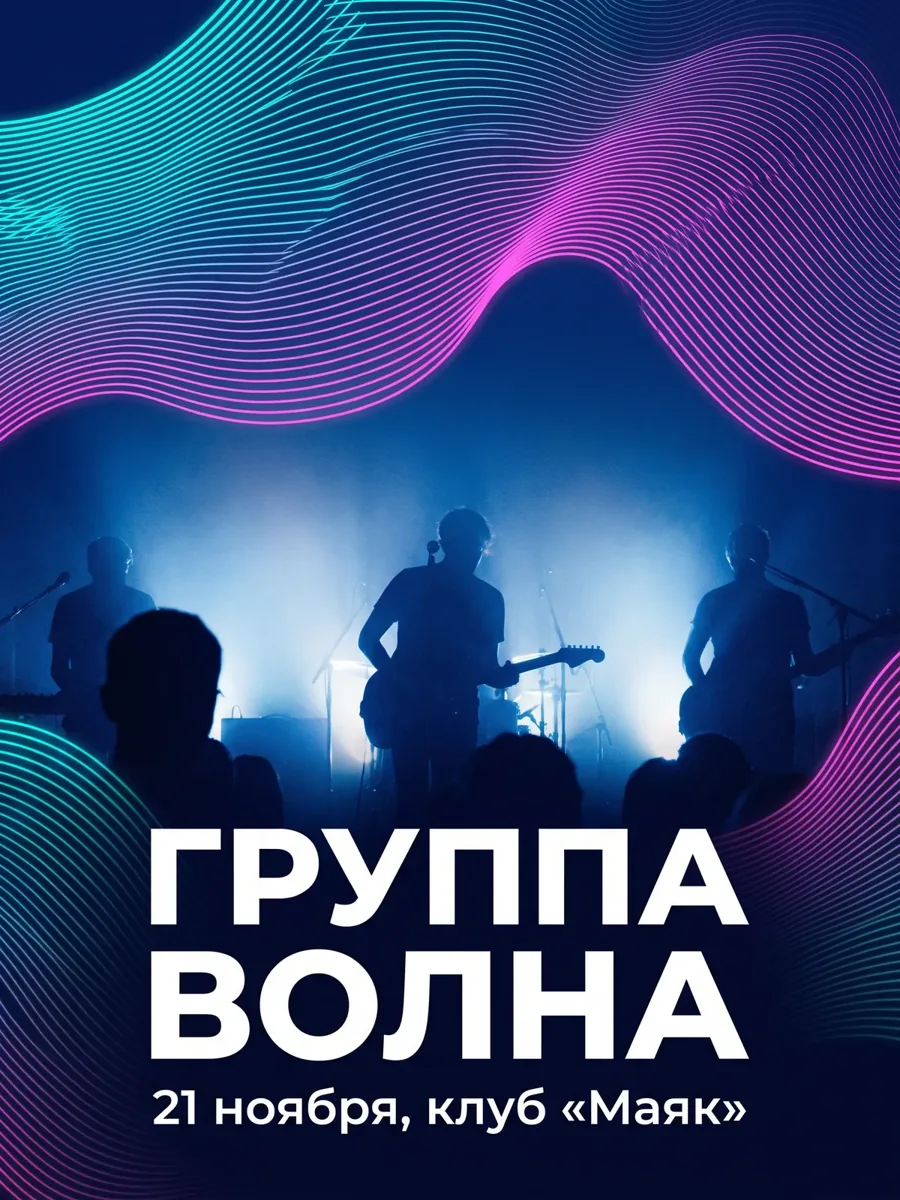
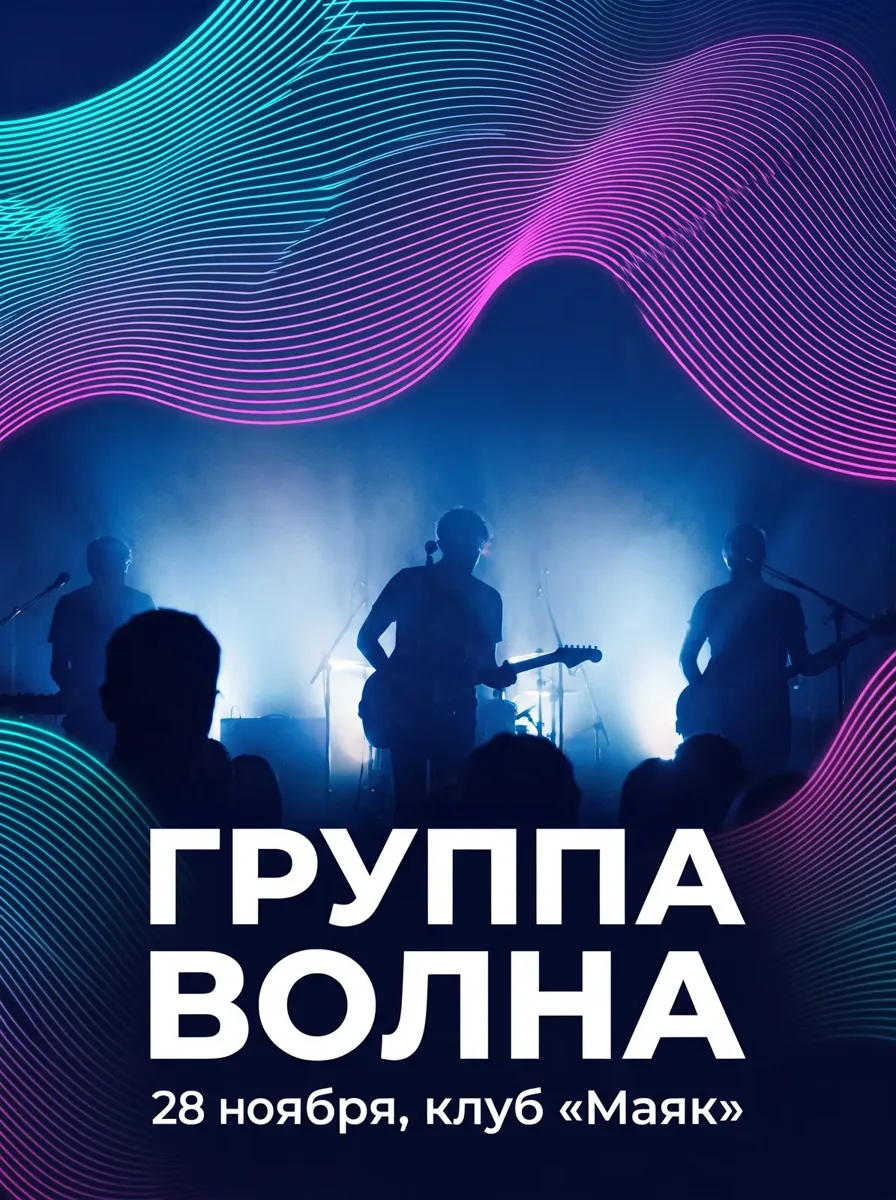
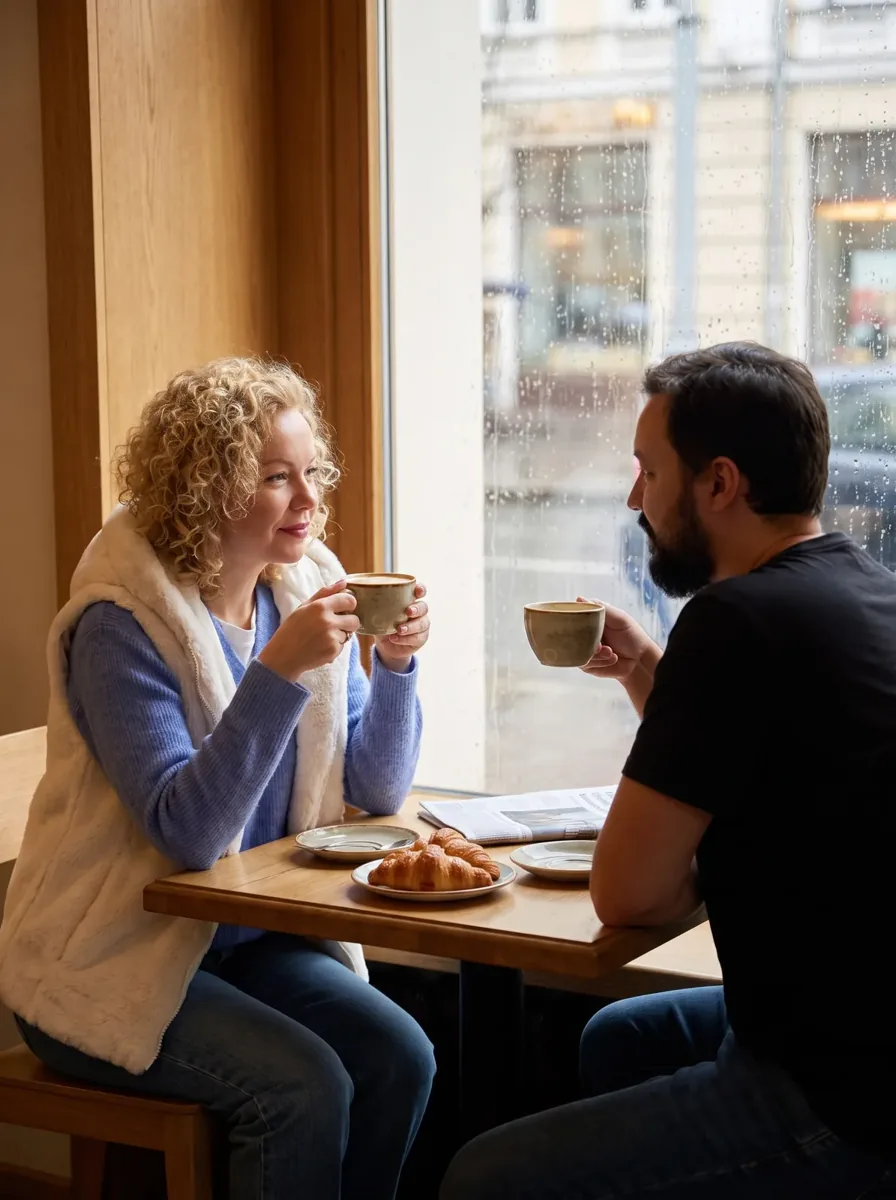
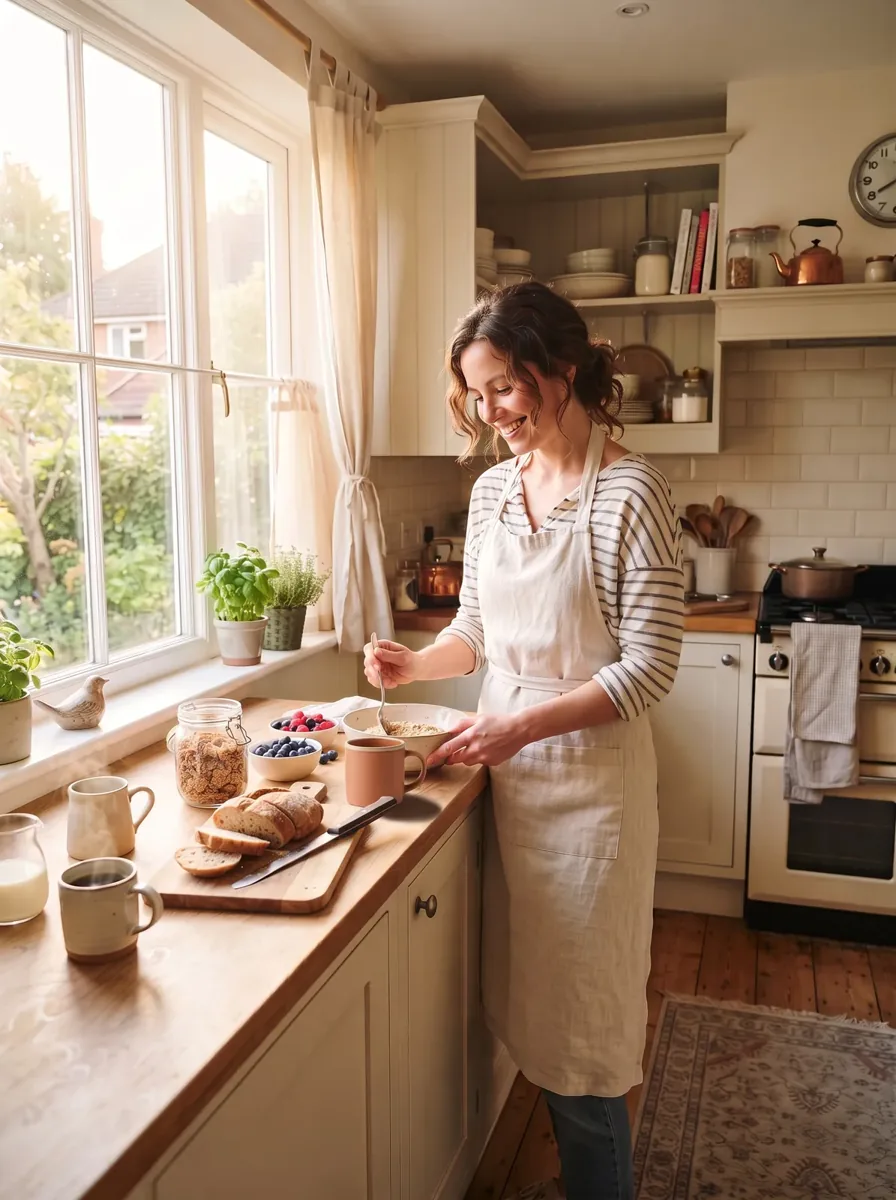
Need another edit? Describe it in words, and the neural network will try.
"Change the background to a bright studio, do not change your face and clothes"
Replace the background on your photo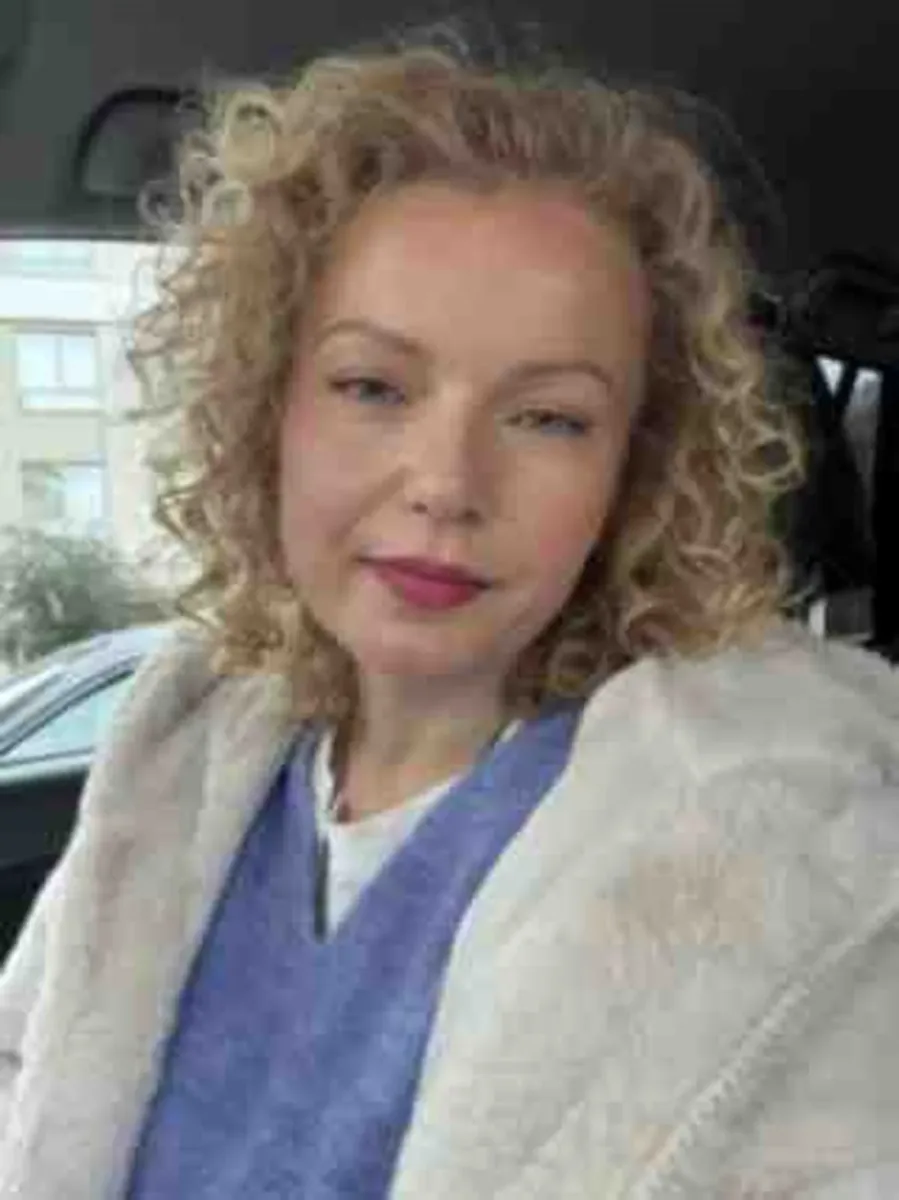
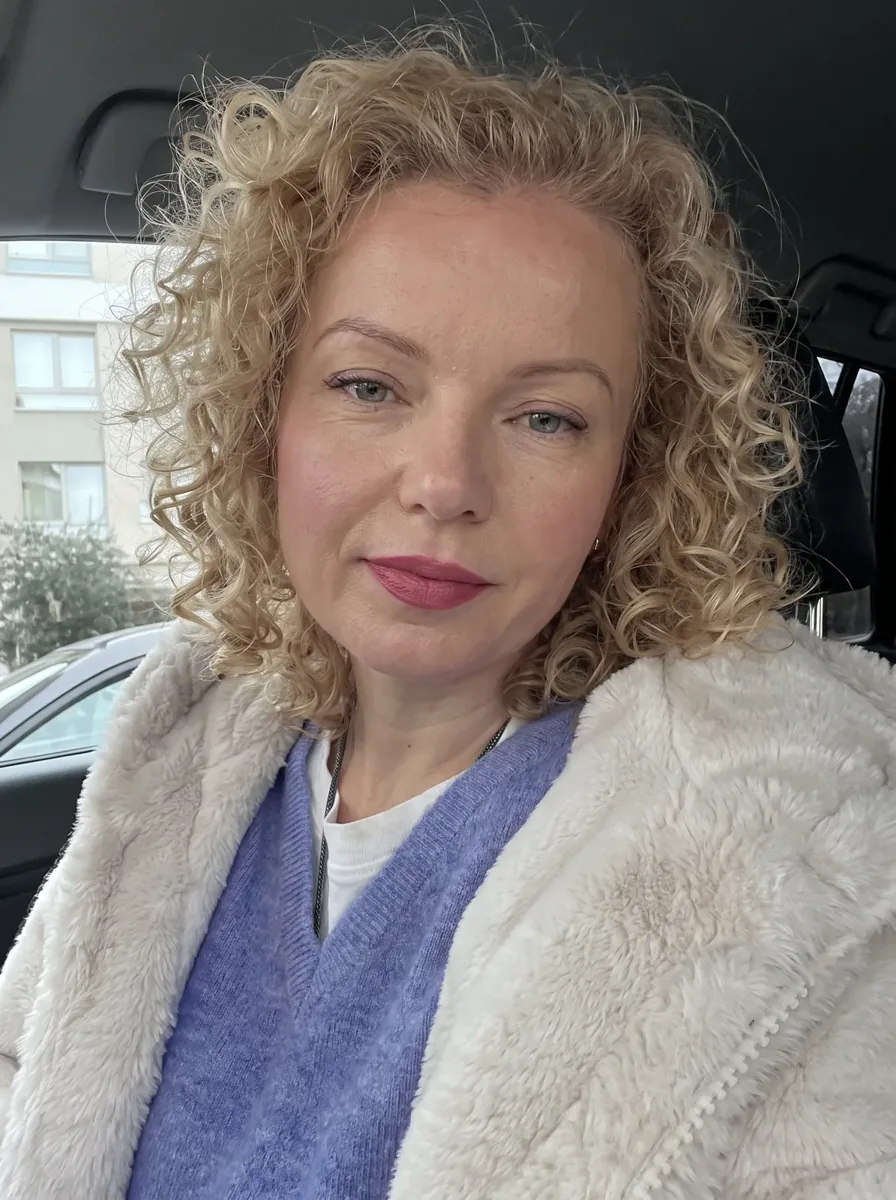
"Improve the quality of the photo: sharpness, details, without changing the face"
Improve your photoYou do not need to pay for a chat for one such operation.
A short request can be given to the "Improve Promt" assistant: he will rewrite the wording for you.
"Return the original face one by one, do not change the pose"
"Clean the remaining stain in that place, the background is as good as around"
"Fix your hands and hair, don't change your face"
"Rewrite the inscription legibly, do not touch the rest"
"Fix the shadows and light under the new background, do not change the face"
Each new attempt is paid. If the generation failed for a technical reason, the tokens will be returned.
| Purpose | To start with | Why |
|---|---|---|
| Change your photo and save face | Nano Banana 2 | Up to 14 photos in one request |
| Inscription, banner, postcard with text | GPT Image 2 | Up to 14 photos, exactly follows long queries |
| Complex scene, small details, 4K | Nano Banana Pro | Complex scenes and 4K |
| Realistic subject or advertising frame | Seedream 5.0 Pro | Object and light as if on the set |
| Atmospheric shot "like in a movie" | Grok Imagine 2.0 | The mood and light of the stage |
| Quickly sort through ideas | Nano Banana 2 Lite or Muse Image | Short draft in the same chat |
| Wayback Machine doesn't have that page archived. | Muse Image | Stands in the chat first |
You pay for the picture, not for access to the chat.
0 ₽after registration
first package
Free images are available at Muse Image. Other neural networks are paid.
Upload JPEG, PNG or WebP up to 20 MB and write in one sentence what to change and what to leave: "remove the passerby from behind, do not change the rest." Select a model in the chat list — to edit your photo, start with Nano Banana 2 — and send it. The price of the edit is visible before sending; it didn't work — click "Edit" and check.
After registration — 3 pictures in Muse Image for free and 3 photos with your face in photo shoots. Further, each edit is paid separately: from ₽5.6 for a draft, ₽27.9 for a edit in Nano Banana 2 in 1K, ₽42.8 in 2K. The first package is ₽149, there is no subscription, you do not need a foreign card.
The button performs one operation, usually quickly and free of charge; if you only need a PNG without a background, it will do. Here you describe any edit in words and can do several in one request: change the background, remove unnecessary, correct the light and add the inscription, saving your face. You choose the neural network yourself.
Write it in the query: "do not change the face and pose". To edit your photo, choose Nano Banana 2 or GPT Image 2 — they change only the name and leave the rest. If, after a strong edit, the lines have floated, write "return the original face one by one, do not change the pose" — each new attempt is paid.
Yes: "remove the passerby in the background, do not change the rest" — the neural network will finish the vacant place. If there is a stain left, specify: "remove the remaining stain, the background is finished as if around." For a neat result, upload a clear picture without strong blurring; editing in Nano Banana 2 costs 27.9 ₽ in 1K, the price is visible before sending.
Yes: “improve sharpness and details, don't change the face” (Nano Banana Pro) or “restore the old photo: remove scratches and paint in natural colors” (Nano Banana 2). By default, the picture is 1K; 2K and 4K are available in Nano Banana 2, Nano Banana Pro and GPT Image 2 — select them for printing.
Your face-saving photo is Nano Banana 2 (up to 14 photos in the request). Inscription, banner, postcard — GPT Image 2. Complex scene, small details, 4K — Nano Banana Pro. The subject frame with the light is Seedream 5.0 Pro. Quickly sort through the ideas — Nano Banana 2 Lite or Muse Image, they are the cheapest.
Only you, in your account: pictures from this chat do not fall into the public feed of the site, the original photo is not overwritten, the result is a separate frame. According to the offer, the result can be used for personal and commercial purposes.