Soft family 3D
Warm portrait and clear emotion
For a family card, avatar, or gift — soft light, rounded shapes, and a calm palette.- Coco
- Luca
- Up
55 movies for one portrait
Upload a portrait, choose a movie, and get a ready 3D frame with recognizable features — no prompt needed.
Main difference
First, choose the character of the future frame. SelfyStudio offers 55 ready directions — from warm family 3D to graphic and adventure animation.
Soft family 3D
Bright personality
Adventure and action
Graphic stylization
Choose the mood
From family 3D animation to fantasy, adventure, and bright comedy.

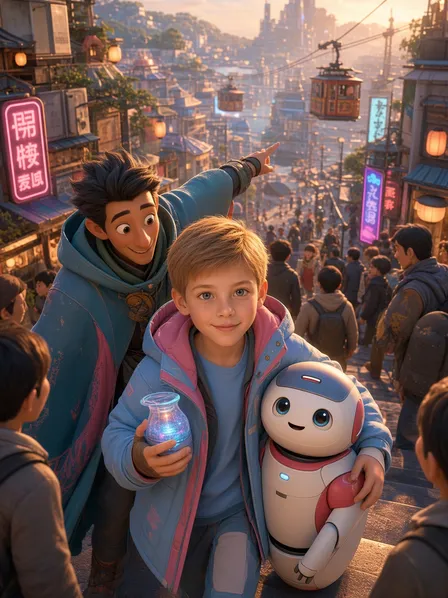
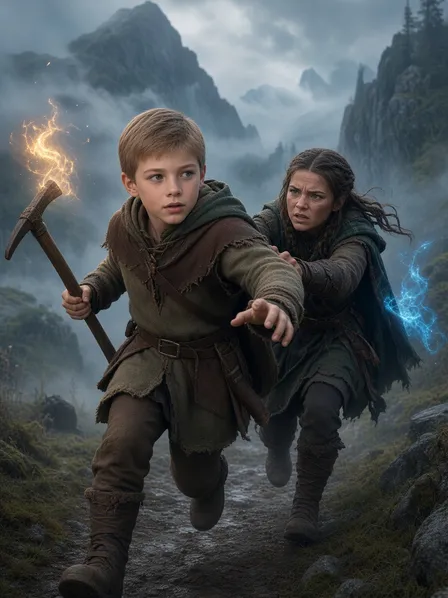
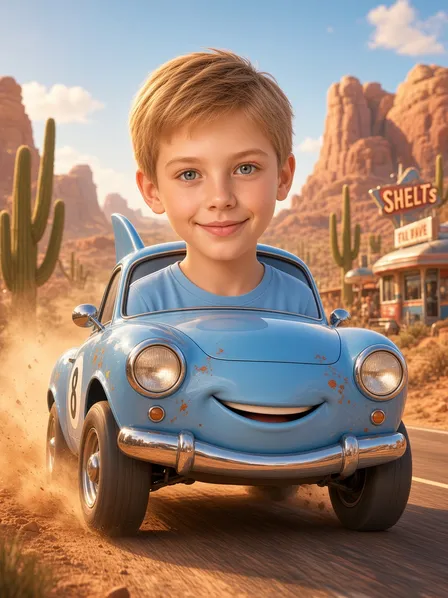


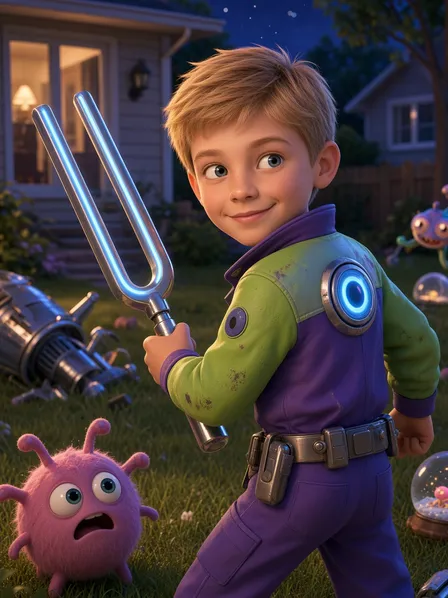

No prompts or complex settings. The whole scenario fits into three simple actions.
A clear photo where the face is well-lit and not obstructed will work.
Find the desired movie among 55 options in the list.
The finished cartoon portrait will appear next to the original photo.
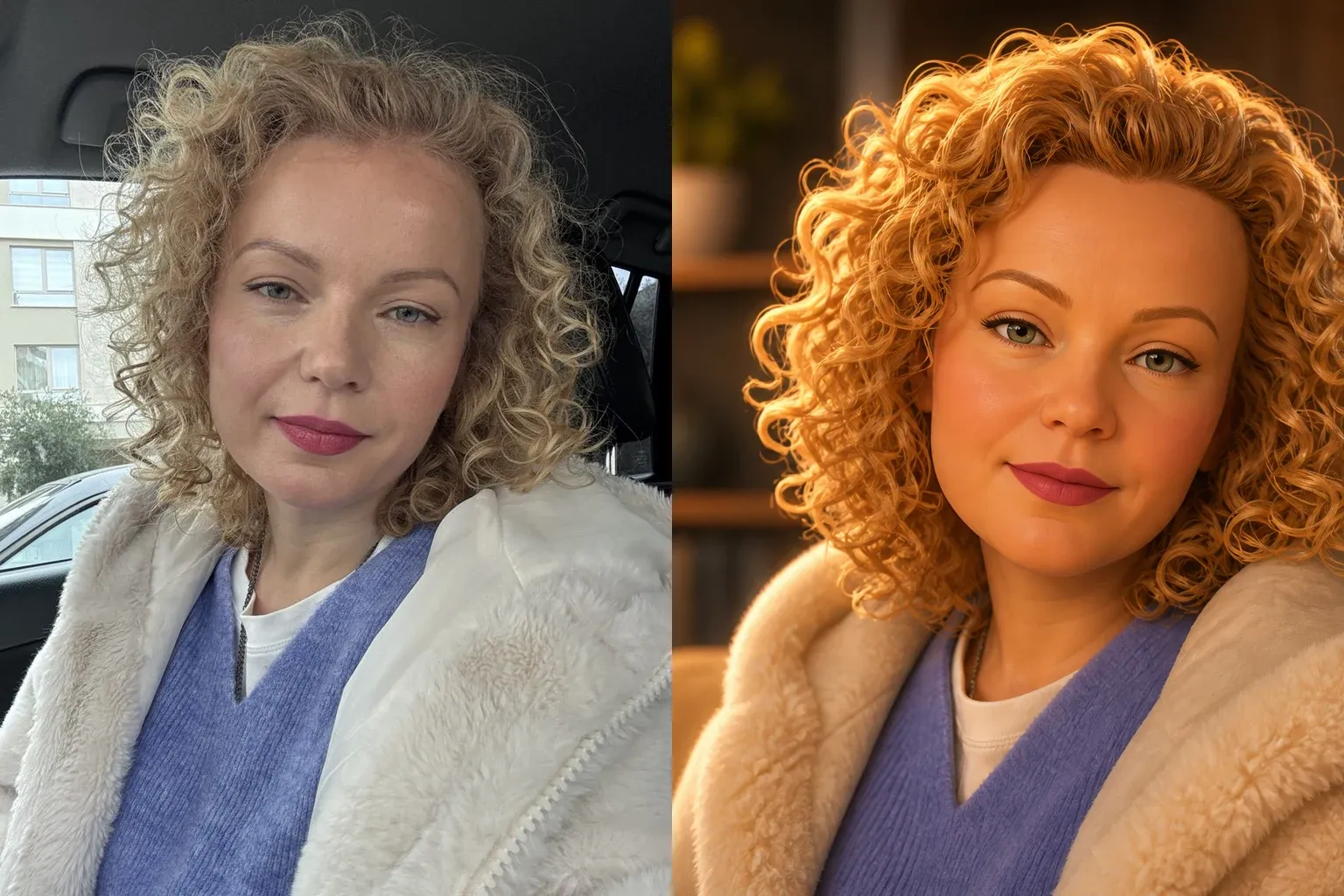
Show on an example
Such a source helps preserve hairstyle, facial expression, and clothing details during cartoon stylization. Heavy shadow, blur, or closed eyes give the generator less useful information.
About the generator
SelfyStudio turns an ordinary portrait into a 3D cartoon scene. You control the result through ready-made styles, so there is no need to search for a prompt or understand neural network settings.
It is a 3D cartoon portrait with expressive facial expressions, soft shapes, rich color, and cinematic lighting. Your photo remains the base, and the selected scenario sets the character's personality and surroundings.
A clear portrait without heavy blur or deep shadows works best. The face should occupy a significant part of the frame; eyes, hairstyle, and facial contour should remain visible.
The finished Pixar-style photo is suitable for an avatar, family card, gift, publication, or series of frames for a blog. After generation, you can move to other SelfyStudio tools with the same portrait.
SelfyStudio creates independent artistic interpretations and is not affiliated with Pixar Animation Studios.
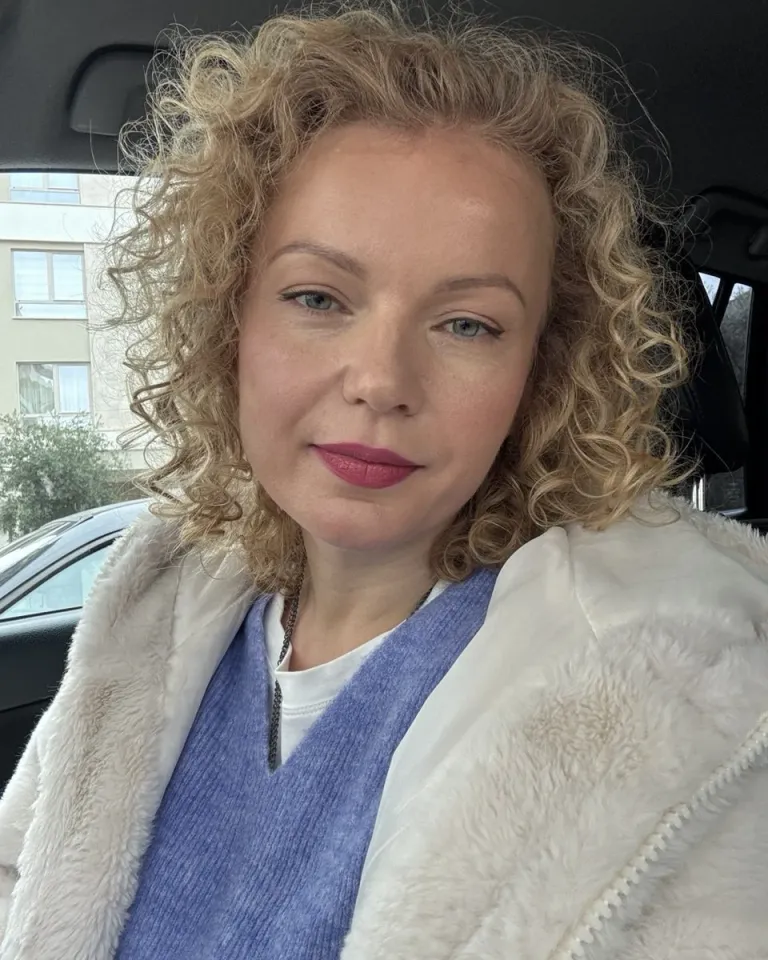
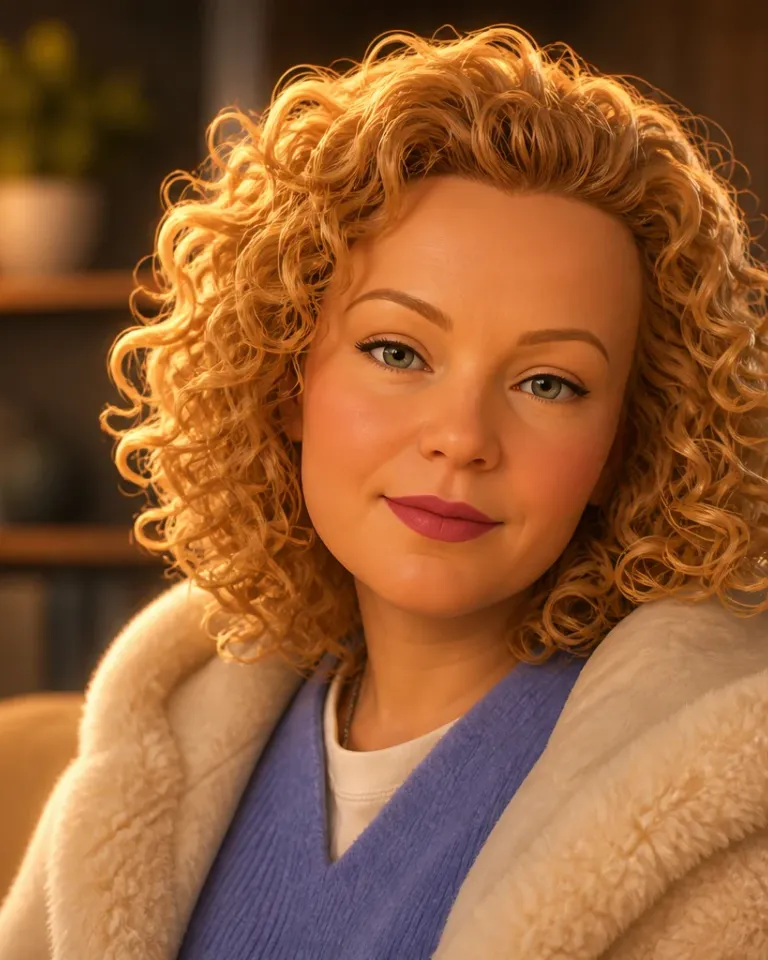
What changes
The generator does not apply a flat filter over the photo but reassembles light, volume, facial expressions, and surroundings in the selected cartoon direction.
Continue with the same portrait and create frames for work, blog, dating, or personal projects.
Real generations from profiles
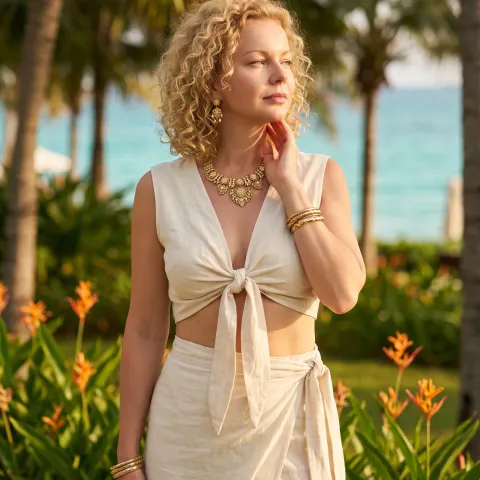
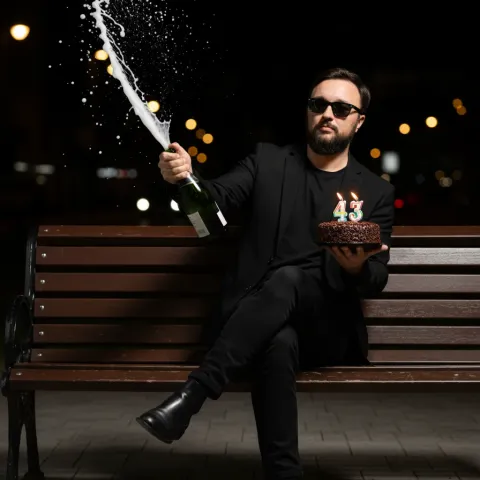
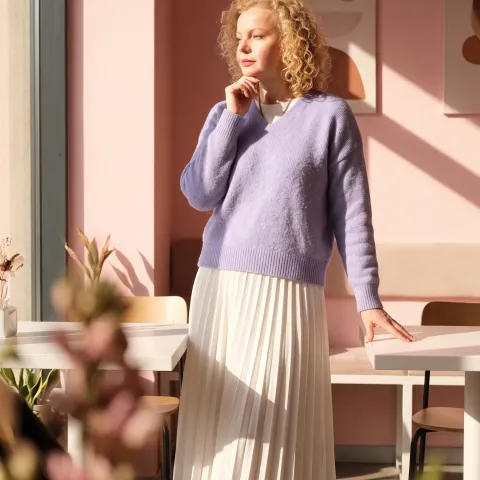
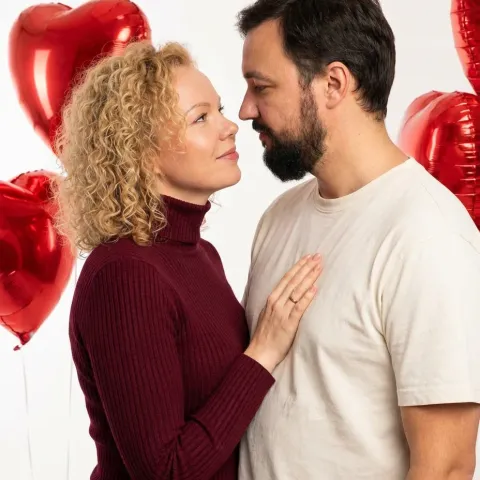
Before first generation
Upload a portrait, choose a suitable movie universe, and start generation. No need to write a prompt: the scenario of the selected style is already configured inside the tool.
Choose a clear portrait facing forward or in three-quarter view. The face should be well-lit, with eyes and facial contour unobstructed.
Generation is based on your photo and preserves key features. The cartoon style changes lighting, proportions, and surroundings but does not replace you with a random character.
There are 55 options inspired by different movies: from soft family 3D to adventure and graphic animation. Each option sets its own facial plasticity, lighting, palette, and surroundings.
Save the result or continue working in other SelfyStudio tools: create a photo session, business portrait, or series for social media.
Start with one portrait
Choose a movie, upload a photo, and create the first frame right on this page.