Russian Passport Scenario

Prepare a Photo for a Russian Passport Online

Choose a candidate Russian passport profile, upload a portrait, and check the file parameters. The service shows the verification boundaries, while current requirements and acceptance are confirmed with the department.
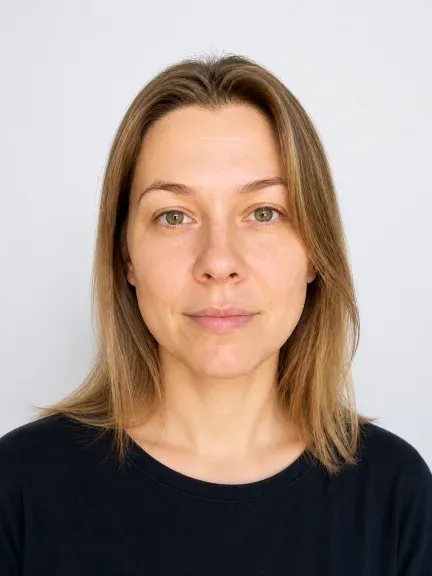
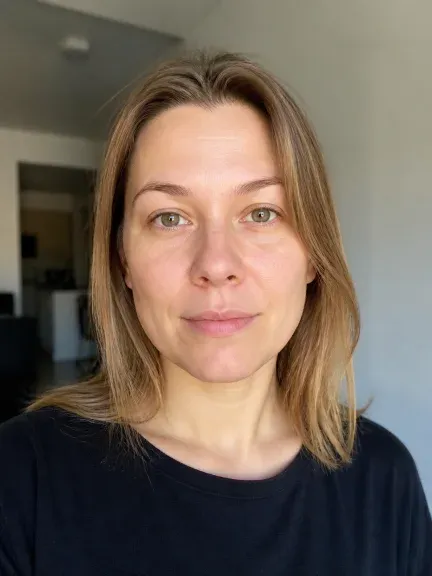
After
Before
BeforeAfter

Choose format

73
candidate profiles in the format catalog
300/600DPI
options for millimeter formats
10×15cm
print sheet with a 2 mm gap

Russian Passport Profile

Start with the Purpose, Not One Size

The passport profile helps produce a technical result, but does not replace checking the current submission channel and department requirements.

Before Upload

Check the Source Portrait

The face must be visible and sharp; a profile view, blur, or obstructions are reasons to take a new shot, not to edit suitability.
  • Visible face
  • Even lighting
  • New shot if flawed

A Digital File and a Print Sheet Are Different Results

Digital File10×15 cm Sheet
PurposeFor uploading to the selected channelFor printing multiple copies
ParametersPixels, format, and DPI if a profile is available100×150 mm sheet size and 2 mm gap
VerificationWe show the selected profile and available checksAdditionally verify 100% print scale

How to Prepare a Photo for a Document

The sequence helps avoid confusing the purpose, file format, and printed result.

  1. 01

    Choose the Purpose

    Specify the document or submission channel. If there are no requirements, first find the organization's guidelines.

  2. 02

    Check the Source Image

    You need a sharp portrait with a visible face, even lighting, and a suitable background. A profile view, blur, or obstructions are reasons to take a new shot.

  3. 03

    Download the Result

    Check the receipt: profile, dimensions, DPI, file size, and unverified conditions. For printing, use a separate 10×15 cm sheet.
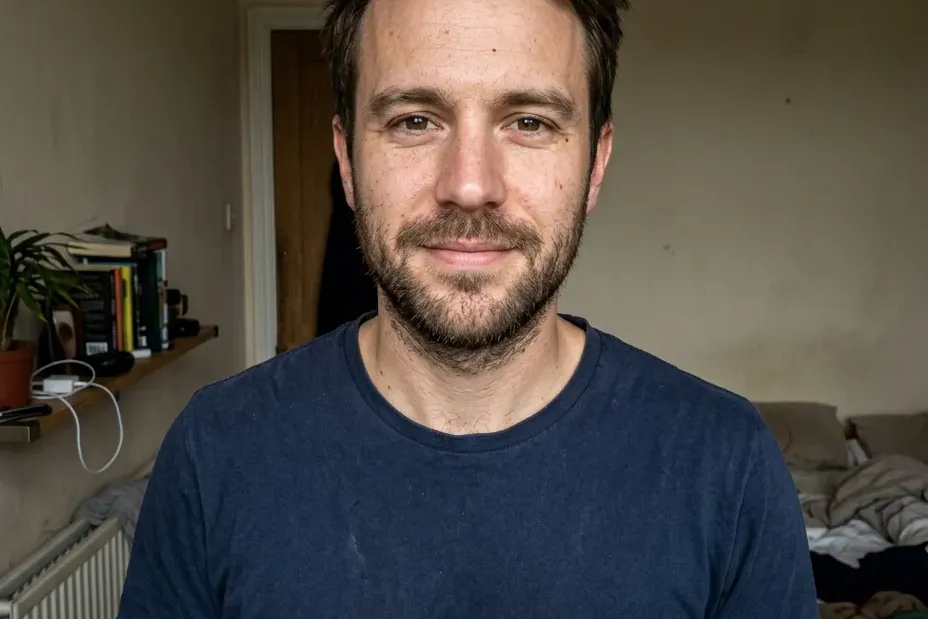
What to Check for the Russian Passport Scenario

  • Candidate preset: Russian passport, 35×45 mm; the source and verification date should be visible in the receipt.
  • Check the frontal view, eye visibility, sharpness, and even lighting against the current instructions.
  • Do not change identity, age, facial features, or hairstyle.
Illustration of a source portrait for a Russian passport
Source portraitTechnical frame

Verification and Source

We Show the Technical Boundary of the Result

The receipt should separate the selected size and export from the requirements that this tool does not verify. Before submission, open the current department source.

  • Russian passport profile
  • Size and pixels
  • Unverified channel conditions
35×45 mm is a candidate size from the source JSON, not a promise of acceptance by the department.

Common Mistakes When Preparing a Photo

Treating 35×45 mm as a universal format
Clarify the document and submission channel: the same size does not mean the same requirements.
Mixing up a digital file and a print sheet
Choose a separate result: a file for upload or a 10×15 cm sheet for printing.
Trying to fix a bad source image with retouching
If the face is in profile, blurred, or obstructed, take a new shot instead of editing.
Printing with auto-fit
Before printing, check the sheet size and 100% scale according to the organization's instructions.

Photo for a Russian Passport

Format and File Check for a Russian Passport

Prepare a portrait in a separate scenario, then check the current requirements and submission method.

01

Not Just Size

The 35×45 mm format does not replace checking the background, face position, recency, and other conditions of the specific procedure.

02

If the Source Image Is Bad

If the face is in profile, blurry, or covered, take a new shot. Do not use AI to edit suitability.

The requirements require a fresh human/source readback; this text is not official instructions.
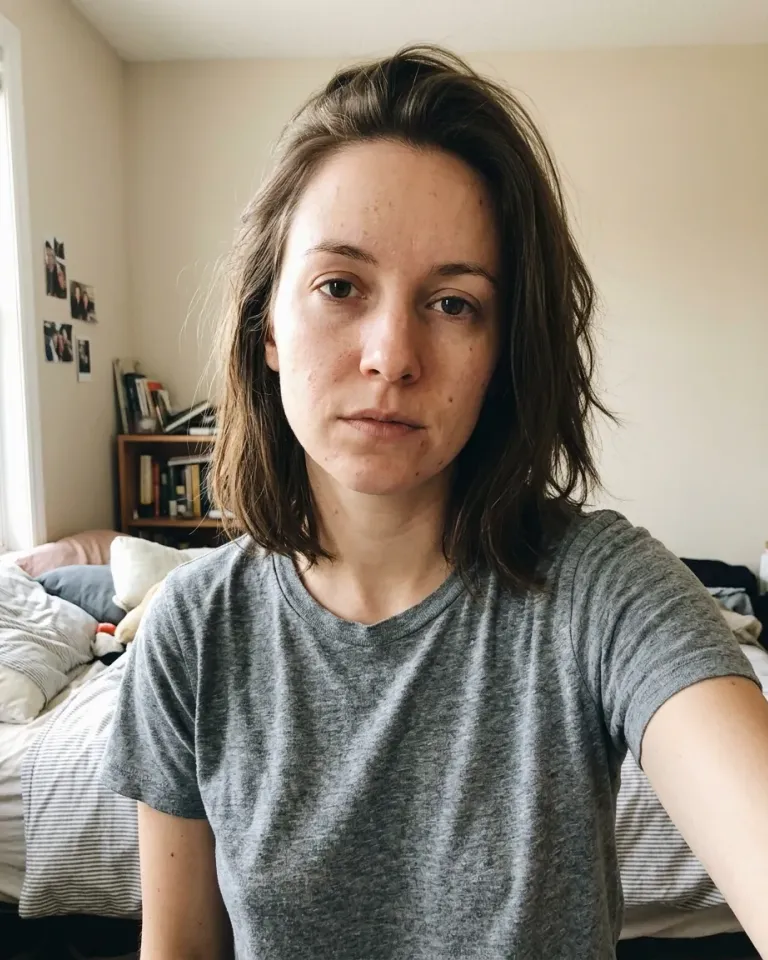
Source portrait before cropping
Illustration of cropping for the selected profile
Selected format

What Changes

The Frame and Export Change, Not the Person

Preparation should manage the frame, size, and file metadata. Identity, age, facial features, and hairstyle must not be substituted to achieve the result.

Choose a Document and Upload a Portrait

Choose a Separate Scenario

A narrow page helps you start with the right document; for another purpose, return to the general selection.

SelfyStudio Illustrations
One Source Image, Different Technical Tasks

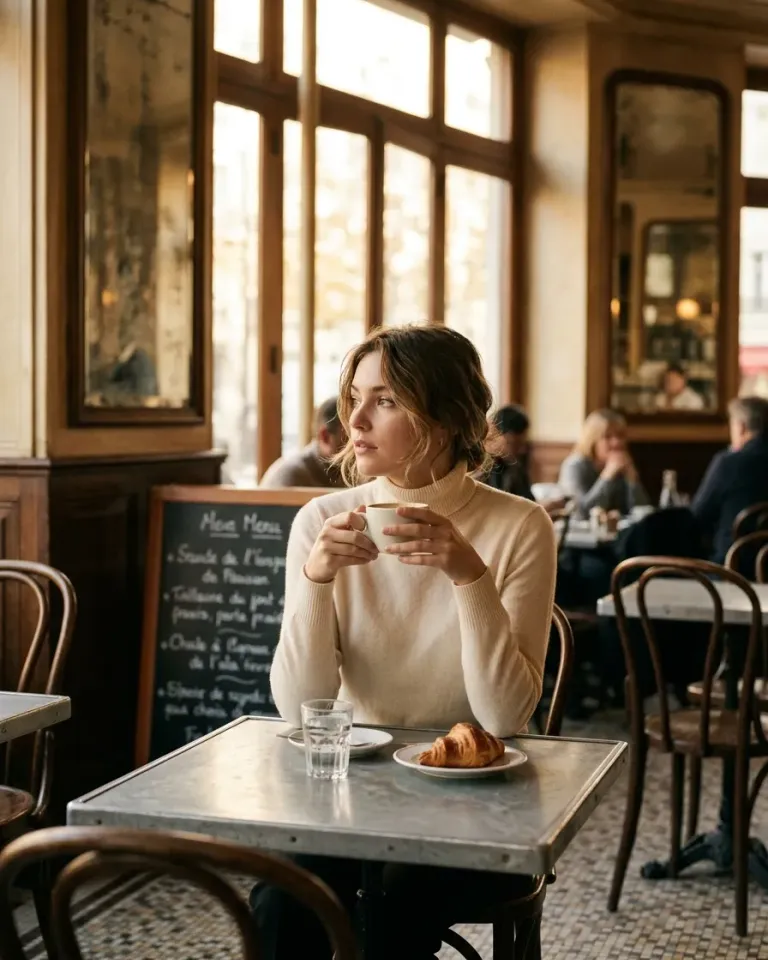
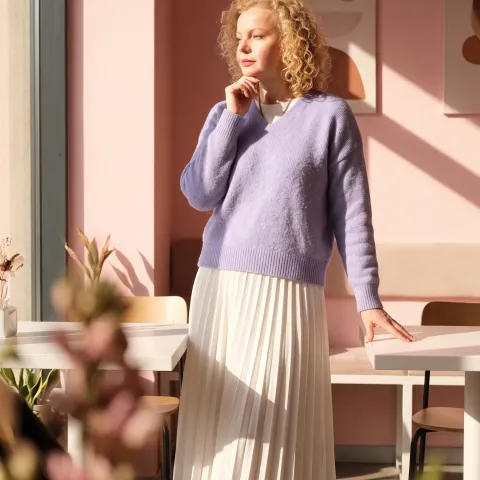
One Source Image, Different Technical Tasks — 1One Source Image, Different Technical Tasks — 2One Source Image, Different Technical Tasks — 3One Source Image, Different Technical Tasks — 4

Before Submission

Questions About a Photo for a Russian Passport

Is it enough to choose 35×45 mm?

No. This is only the candidate preset size. Check the current instructions and conditions of the selected submission method.

What should I do with a blurry portrait?

Take a new sharp shot with the face visible. Do not edit the face or change identity to achieve compliance.

Russian Passport

Choose a Profile and Upload a Portrait

Prepare a technical file, then check the current requirements with the receiving organization.